Seed pitch deck: Tandem Table
Prompt: Seed pitch deck for Tandem Table, an app that lets neighbours order home-cooked meals from local home cooks. Show the problem, how it works, traction, the business model, the team and the ask.
Brainbaby · Presentations
Write a prompt, paste your notes and get a designed deck you can edit, present and export to PowerPoint or PDF. The decks on this page were generated by Brainbaby from the prompts shown.
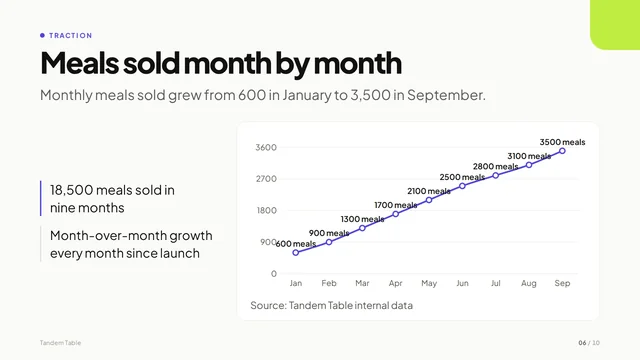
Tandem Table. Seed pitch deck: 10 slides in the Startup Pitch theme, generated from the prompt below. Every slide is the studio canvas, unedited.
Download this deck:PowerPoint .pptx, 422 KBPDF .pdf, 1.0 MB
PromptSeed pitch deck for Tandem Table, an app that lets neighbours order home-cooked meals from local home cooks. Show the problem, how it works, traction, the business model, the team and the ask.
Tell Brainbaby the topic, audience and number of slides, and paste any notes. It plans an outline, then writes each slide in your chosen theme and shows it as soon as it is ready. Edit on the canvas, present full screen, or export an editable PowerPoint (PPTX) file or a PDF. Presentations share your plan’s allowance with chat and images.
From prompt to deck
Brainbaby plans the story first: an outline with one idea per slide and a layout picked for each one. Then it writes every slide and shows each as soon as it is ready. Here is exactly what went in and what came out.
“Q3 2026 business review for the leadership team of Pine & Peak, an online outdoor gear retailer. Cover results, revenue trend, category mix, a Q2 vs Q3 table, wins, risks and the decision we need.”
Pine & Peak (fictional company), Q3 2026.
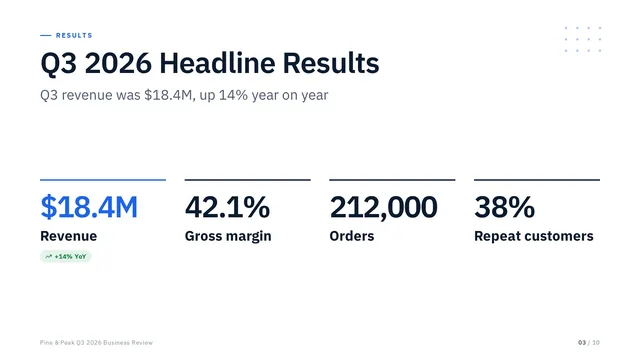
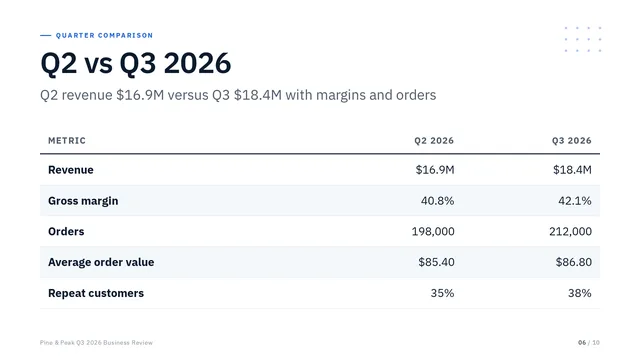
Revenue: $18.4M, up 14% year on year. Gross margin: 42.1%. Orders: 212,000. Average order value: $86.80. Repeat customers: 38%.
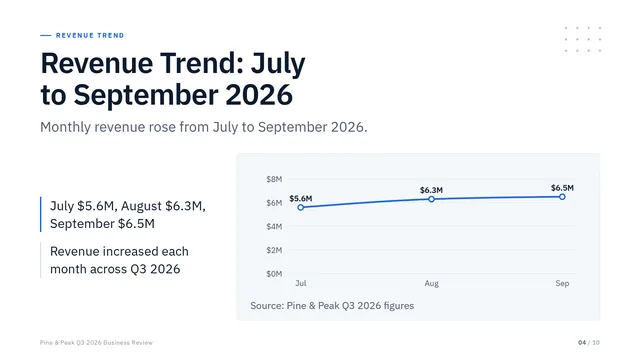
Revenue by month: July $5.6M; August $6.3M; September $6.5M.
Revenue by category: camping 34%; apparel 29%; footwear 22%; climbing 15%.
Q2 2026 for comparison: revenue $16.9M; gross margin 40.8%; orders 198,000; average order value $85.40; repeat customers 35%.
Win: the new returns portal cut return processing from 6 days to 2.
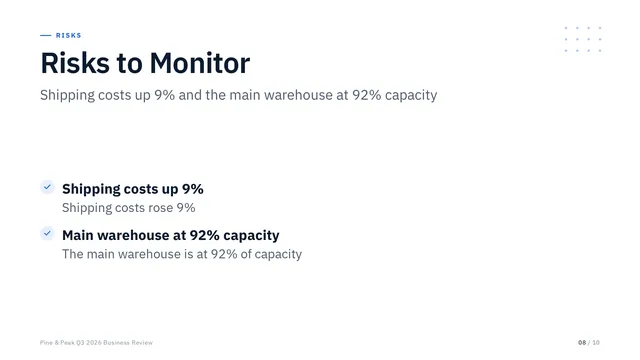
Risks: shipping costs up 9%; the main warehouse is at 92% capacity.
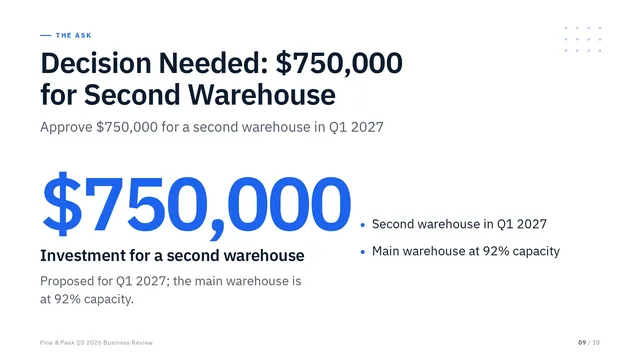
Decision: approve $750,000 for a second warehouse in Q1 2027.
10 slides, generated in 18 s, nothing edited afterwards.
Gallery
Generated on 22 November 2026 by the presentation generator, through the same studio you use. Open any deck to step through every slide, or download the PowerPoint and PDF exactly as the studio exported them.
Prompt: Seed pitch deck for Tandem Table, an app that lets neighbours order home-cooked meals from local home cooks. Show the problem, how it works, traction, the business model, the team and the ask.
Prompt: Q3 2026 business review for the leadership team of Pine & Peak, an online outdoor gear retailer. Cover results, revenue trend, category mix, a Q2 vs Q3 table, wins, risks and the decision we need.
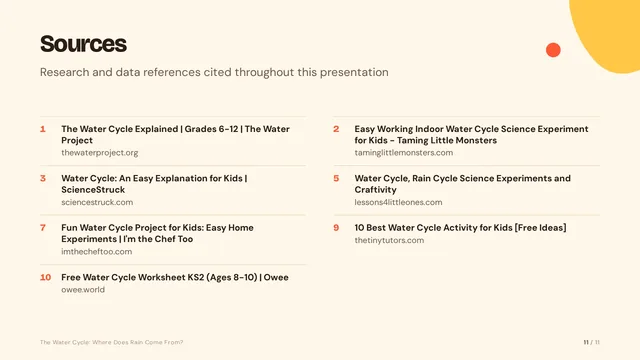
Prompt: A lesson for 10 and 11 year olds on the water cycle: evaporation, condensation, precipitation and collection. Include a simple classroom experiment with a bowl, cling film and ice, three quick quiz questions, and the key words to remember.
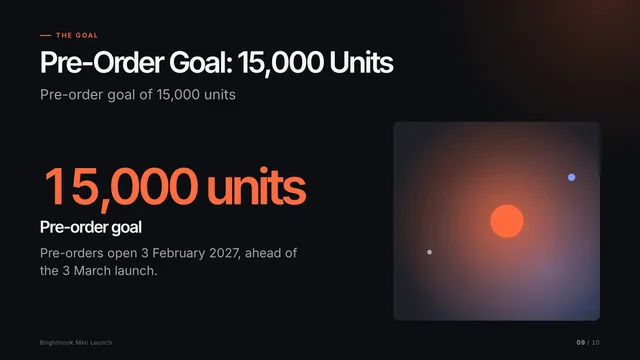
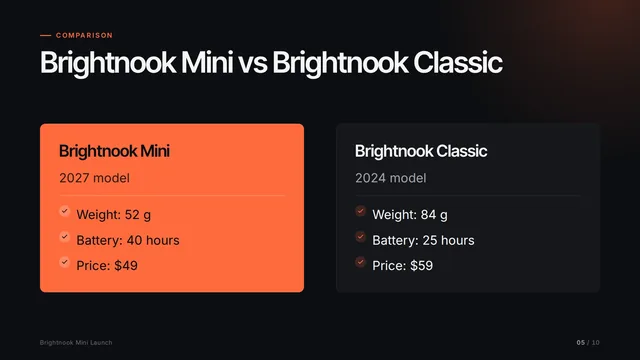
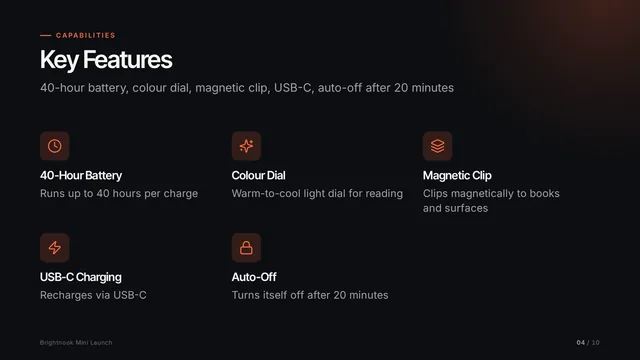
Prompt: Product launch deck for Brightnook Mini, a pocket-sized smart reading light, for retail partners and press. Cover what it is, the key features, how it compares with the original, price, the launch timeline and the pre-order goal.
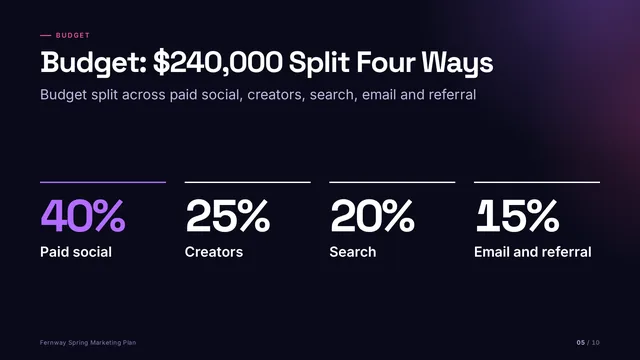
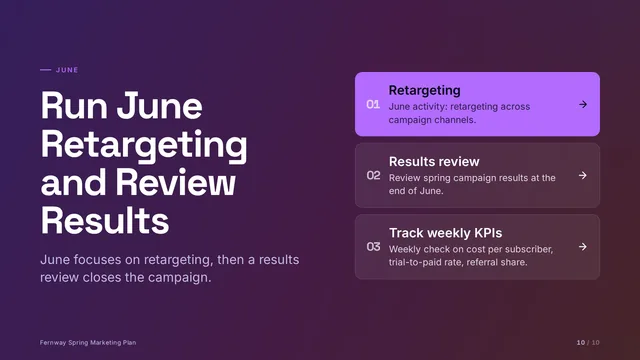
Prompt: Spring marketing plan for Fernway, a plant-care subscription. Show the goal, the budget split, the funnel targets, the month-by-month campaign and the KPIs we will track every week.
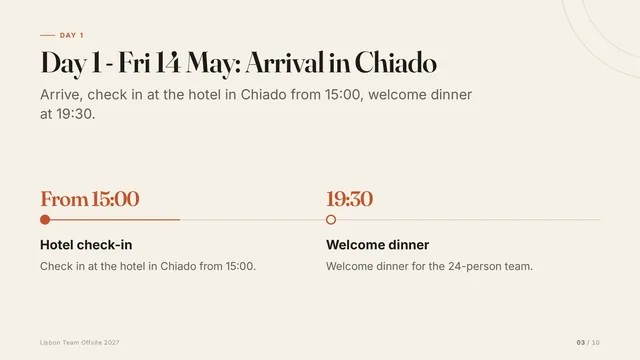
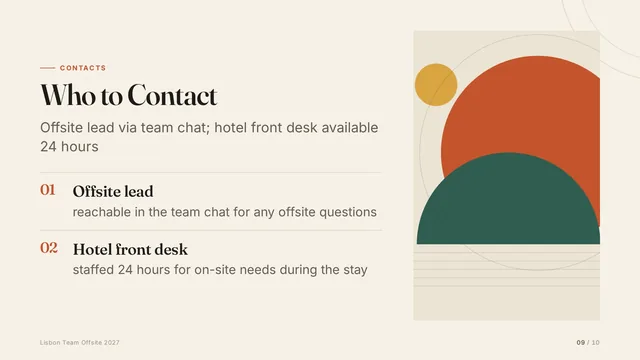
Prompt: Itinerary deck for our four-day team offsite in Lisbon, 14 to 17 May 2027, for 24 people. One slide per day, plus the budget per person, what to pack and who to contact.
The companies, people and figures in these prompts are invented for the examples; the lesson deck used web research and cites its sources on the last slide. Looking at and downloading the examples is free. Generating your own deck uses your plan’s allowance.
Layouts and themes
Each theme sets the fonts, colours, charts and artwork for the canvas, the PDF and the PowerPoint file together. Below, the same generated slide (slide 1 of the seed pitch deck) in every theme, then 17 of the layouts the generator picked for the six decks above.



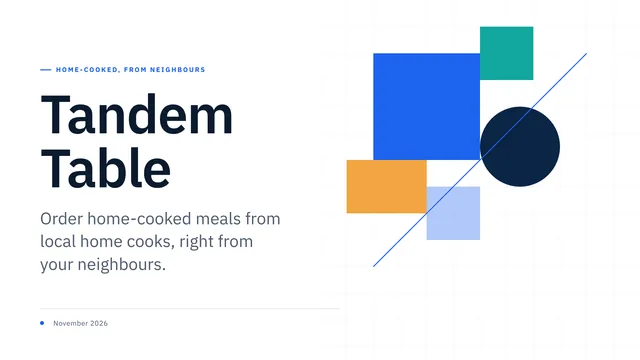


Theme previews: the pitch deck’s saved cover drawn by the studio’s own slide renderer in each theme, as the Theme menu would show it.
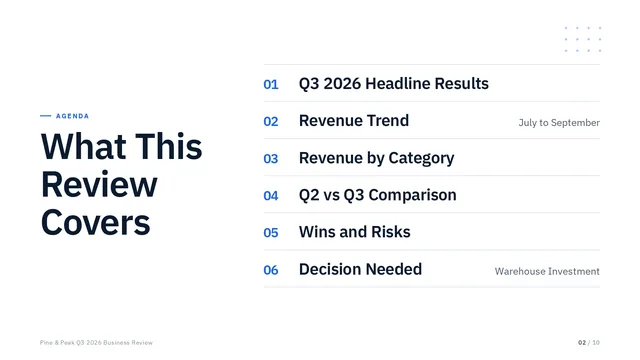
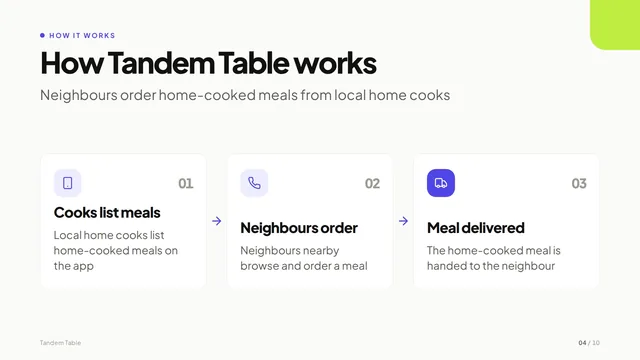
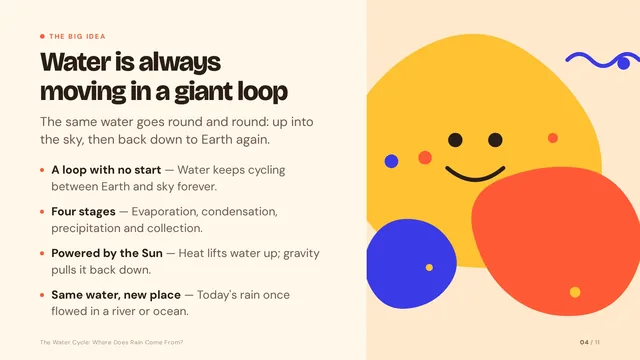
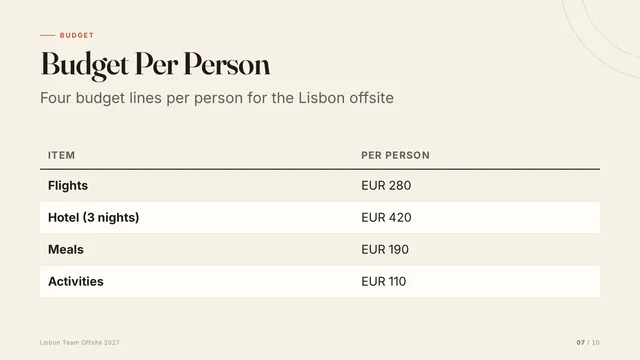
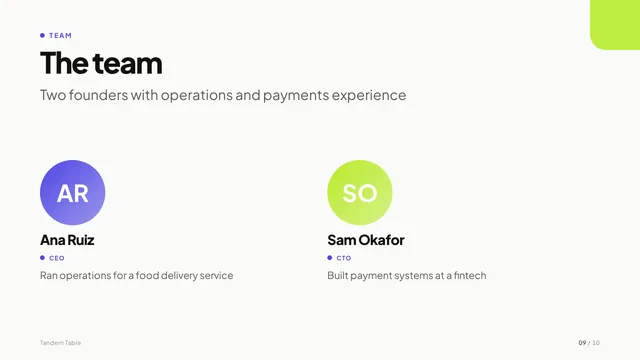
Also in the library, ready when your content needs them: Section divider, Quote, Two columns, Numbered list, Full-bleed image, Cards, Pricing tiers, Market sizing, Funnel.
The studio
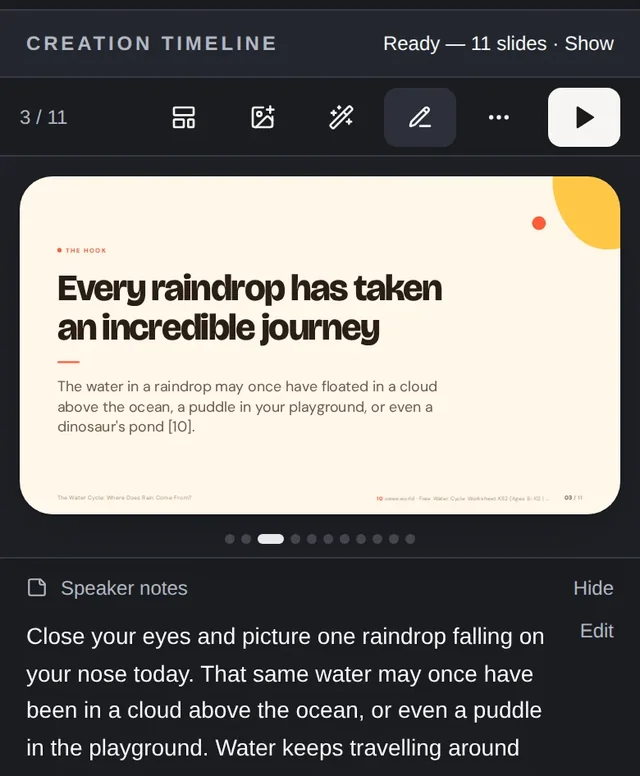
Screenshots from the run that generated the decks above, in the presentation studio you get after signing in.
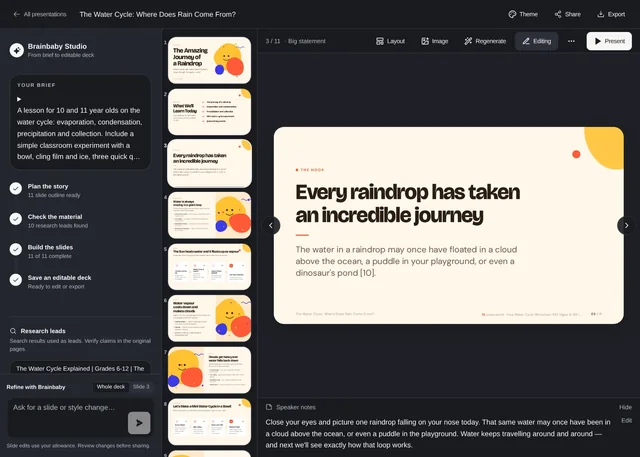
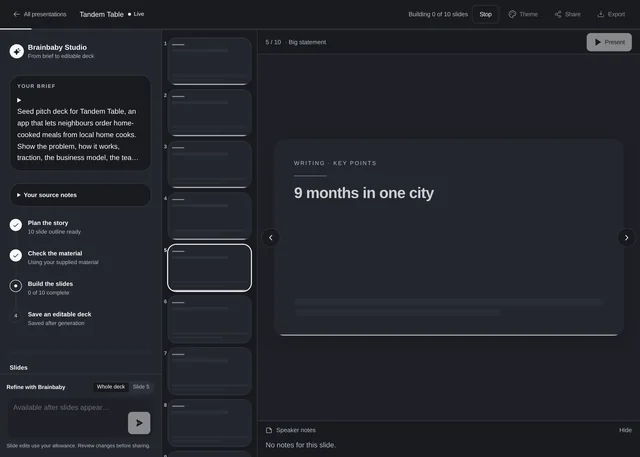
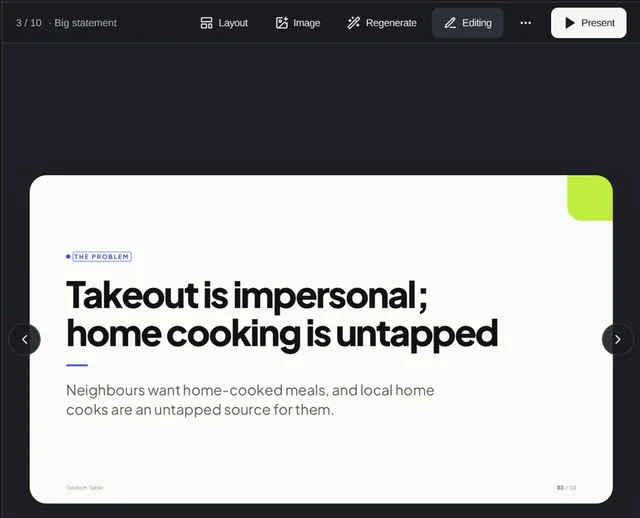
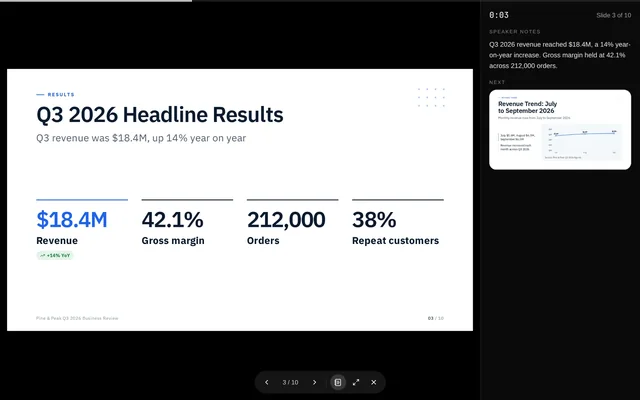
 Studio canvas
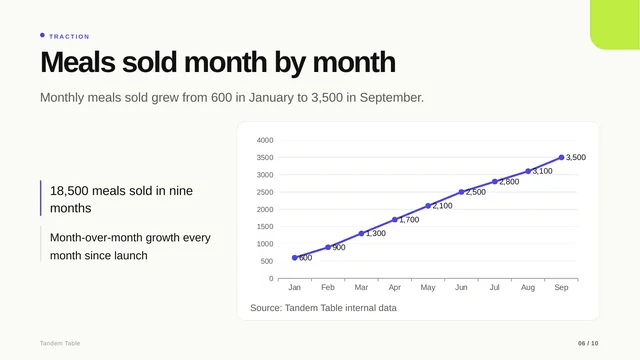 The exported PowerPoint, opened in LibreOffice Impress
Prepare the facts, review the draft, and check the export before sharing.
State the audience, purpose and slide count. Supply your facts and source notes. Mark missing figures as placeholders instead of asking the AI to guess.
Brainbaby drafts the deck from your request. Check the argument, sources, figures and layouts. Generation time varies with the request and the service; review is still part of the job.
Edit the slides in the workspace, then export an editable PowerPoint file or a PDF. Open the exported file and check fonts, images, line breaks and source notes before sharing it.
Add your topic, audience, goal and source notes to prepare an editable outline. This planner organizes your brief in this tab; it does not generate slides or spend credits. Sign in to review the brief in the presentation workspace before generating a deck.
Topic and outcome
Introduce the topic and the decision or learning outcome for the audience.
Context
Explain the current situation using the source notes. Mark missing background as a placeholder.
Evidence
Use only supplied facts, figures or examples, with their sources. Leave unknown figures blank.
Options and trade-offs
Compare the relevant approaches or interpretations. State assumptions and unresolved questions.
Recommendation or takeaway
Connect the proposed conclusion to the evidence; distinguish an opinion from a verified fact.
Next steps and sources
End with a clear action or discussion question and the sources that need checking.
Check the facts and sources, replace missing information, and choose the output language before generating. Generation, editing and exports use the allowance shown in your account. View current plans.
A real .pptx file for a sales proposal with editable text, tables and bracketed fields for your own information.
8 slides · 16:9 · PowerPoint (.pptx)
Download PowerPoint starterNo account needed. Replace placeholders with verified facts; no prices or results are supplied. AI generation in Brainbaby requires sign-in and your available allowance.
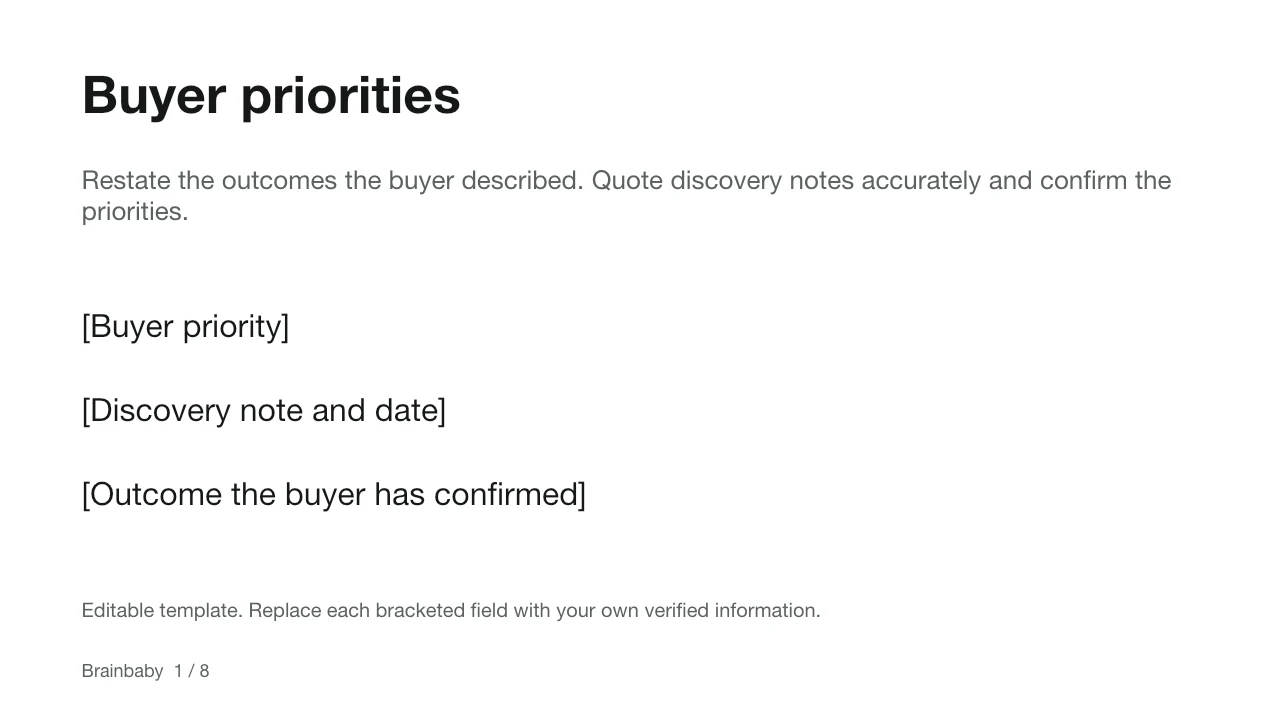
Here is a fictional café catering example. It defines the decision and the evidence to supply before asking for slides. It is an illustrative brief, not a completed customer deck.
Create an eight-slide sales proposal for [café name]. Audience: the office manager choosing a catering supplier. Goal: decide whether to book a trial lunch. Use these slides: buyer priorities; current lunch arrangement; proposed menu; delivery process; verified customer evidence; price and scope; rollout plan; next decision. Source notes: [approved menu, confirmed price, delivery area and dates]. Keep unknown costs and testimonials as placeholders. Do not invent metrics, quotations or sources. Use short titles, one main point per slide, and readable colors and fonts.
Before presenting, compare the deck with the approved menu and quote. Check totals and dates, remove invented testimonials, and make the trial-lunch decision explicit. Use the complete sales-proposal template if you need a slide-by-slide outline.
Prepare this example as an editable draftOpening a draft does not generate slides. Review the brief and your account allowance before starting.
Paste your text or notes into a brief and state the audience, purpose and slide count. Brainbaby drafts the slides from that brief. Review the argument, figures and layouts, edit slides in the workspace, then export an editable PowerPoint file or a PDF. AI generation uses your plan’s allowance.
Use it to draft an outline, explain your topic and prepare slides from your notes. Follow your school’s AI rules, check sources and quotations, and review the argument yourself. Generated content is not automatically accurate or properly cited.
You can request a seed, Series A, demo-day or investor-update deck. Supply verified customer, market and financial information. The free pitch-deck outline helps structure the problem, solution, evidence and funding request; it does not guarantee investment or a particular outcome.
Specify the language in your brief. Brainbaby has localized presentation guides, including Turkish, Brazilian Portuguese, Malay and Indonesian. Check translations, accents, right-to-left layout where applicable, and font rendering in both the workspace and the exported file.
Choose the count for your audience and speaking time. State it in your brief and review the generated structure. An eight-slide sales proposal and a twelve-slide pitch deck have different jobs; there is no useful minimum that fits every presentation.
The current workspace includes slide editing and PowerPoint and PDF exports. A PowerPoint file is editable; a PDF is useful for reviewing or sharing a fixed layout. Open the output to check the result. Do not assume that export creates a native Google Slides document.
Draft from information you are authorized to use. Check calculations, dates, sources and the decision each slide supports. Review brand colors and readable fonts. Avoid uploading confidential material until you have checked the applicable data policies and your organization’s requirements.
Download the eight-slide sales-proposal PowerPoint starter, or read, copy and download the presentation outlines without an account. The starter contains editable text, tables and placeholders for your facts; it is not an AI-generated deck. Preparing a brief is separate from generating slides. Sign in to see your available allowance before AI generation and editing.
Write a prompt, paste your notes and check your plan’s allowance before generating. Planning an outline is free.