Skip to content

Brainbaby Image Studio

Uncensored AI photo and image editor

Edit a photo you own, a manga panel or game-style art by typing what to change: the background, the light or a small detail. Then compare it with your original.

Sign up and your first image is free. Once your email is confirmed, generate one image or edit one of your own photos. After that, images use credits from a pack or plan; a free account also includes limited chat.

Generation and editing share image credits. View image-credit packs

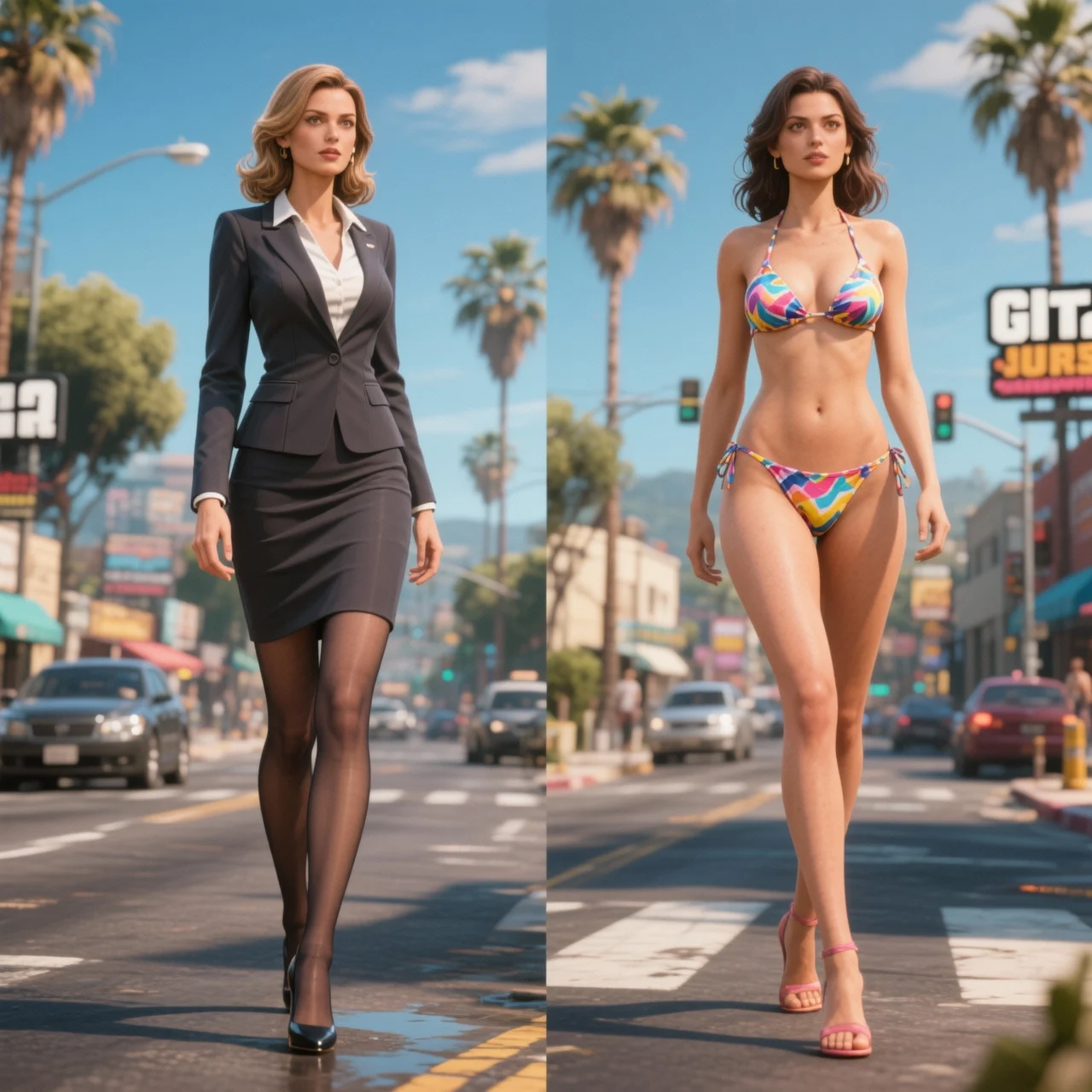
Illustrated fashion characters in a charcoal suit and colorful swimwear on a palm-lined street
Game-style character studySupplied reference / 01

Updated

Is there a free uncensored AI photo editor?

Yes, to start. Brainbaby’s uncensored AI photo editor changes the background, lighting, style or small details of manga, game-style art and photos you own. After you confirm your email, your first image is free: one edit or one generation. Further edits use credits from $5 for 5 credits.

How to edit a photo free

  1. Create a Brainbaby account and confirm your email to receive your free image.
  2. Open Image Studio in editing mode and upload one image you own or have permission to edit. No image yet? Start in the uncensored AI image generator.
  3. Describe one change and list what must stay the same, such as the face, pose, outfit or layout.
  4. Check the cost shown, submit, then compare the result with your original at full size.
Price
Image packs from $5 for 5 credits, one-time; plans from $4/month
Free
First image free after you confirm your email; free chat uses a recurring weekly token allowance that resets in full every seven days
Source
One image you own or have permission to edit, up to 10 MB
Allowed
Lawful fiction and art, within our Terms of Service
Platforms
Web, iOS, Android and a Mac desktop preview

For agencies and studios

Anime, manga and film effects

Two popular briefs: anime, cartoon and manga art, and movie-style horror and action looks for fiction. The prompts are starting points; results vary by prompt and model.

Anime, cartoon and manga images

Agencies, studios and independent artists use Brainbaby to draft anime, cartoon and manga art: original characters, story panels and style frames for a pitch. Name the style, describe the panel and keep a short character brief so later images stay on model. Results vary by prompt and model, and exact consistency between images is not guaranteed.

Explore the anime AI generator
  • Agency storyboards

    Rough out a commercial or music-video idea before the treatment. Example prompt: “Six-panel storyboard in clean anime style: a courier in her twenties sprints across city rooftops at sunset, dynamic speed lines, bold flat colours, no text or logos.”

  • Webtoon and manga panels

    Draft a vertical webtoon beat or a black-and-white manga panel. Example prompt: “Vertical webtoon panel in full-colour manhwa style: two office rivals in their thirties face off in a rain-streaked elevator lobby, low angle, soft cel shading, empty speech bubbles left for lettering.”

  • Character sheets

    Settle a design before you draw the pages. Example prompt: “Character turnaround sheet for an original sky-pirate captain in her thirties in 90s cel-anime style: front, side and back views, neutral pose, colour swatches, plain white background.”

  • Game art

    Explore heroes, enemies and key art for an indie game or a publisher pitch. Example prompt: “Four original grown-up adventurers in chibi style for a cosy role-playing game, pastel palette, thick clean outlines, plain white background.”

  • Original characters

    Use original characters, or characters you hold the rights to. Keep a short character brief (hair, outfit, palette, line weight) and reuse it in every prompt so later images stay on model.

Horror and action film effects

Make movie-style horror and action images for fiction: theatrical blood, prosthetic wounds, creature design and practical-effects lighting. Describe the look as cinematic special effects, keep the wording non-graphic and use fictional characters only. The selected model can still decline a request.

Explore the horror AI image generator
  • Horror film posters

    Example prompt: “A zombie survivor with theatrical blood splatter, 80s practical-effects horror poster style, fog and red rim light, space at the top for the title, no text.”

  • Concept art and creature design

    Example prompt: “Creature concept art for a fictional swamp monster: moss-covered latex-look skin, glowing amber eyes, full-body turnaround, muted greens, film pre-production presentation.”

  • Special-effects makeup references

    Show a makeup or prosthetics team the look you want. Example prompt: “Reference photo of a fictional character in his forties in theatrical SFX makeup: a prosthetic scar across the cheek and a little stage blood, makeup-chair setting, soft studio light.”

  • Action scenes and manga battles

    Example prompt: “Stylized battle scene with ink-splash blood in seinen manga style: a swordswoman in her thirties mid-strike in a moonlit bamboo forest, heavy black ink, screentone shading.”

  • Horror game art

    Example prompt: “Key art for a fictional survival-horror game: a survivor in his forties holds a lantern in a flooded subway tunnel, desaturated palette, cinematic composition, no text.”

  • What is never allowed

    Content that glorifies real-world violence, terrorism, self-harm or animal cruelty, and anything else that is illegal or against our Terms of Service.

How to edit an image with AI

Keep the idea. Change the detail.

Generate and edit in one workspace. An account and image credits are required to submit a request.

  1. 01

    Choose your source

    Upload an image that is yours or that you may edit. Keep the original, and note the character, layout and details that must not change.

  2. 02

    Ask for a specific edit

    Describe the change and what should stay the same. Start with one revision, such as a new background or a few small stylized blood drops in a non-graphic action panel.

  3. 03

    Compare and save

    Check faces, hands, text and colors at full size. Save a result you like before the next edit. Each edit uses image credits, and the studio shows how many.

Make a new original

Start with words instead.

Use the spicy AI image generator to explore a character, composition or style from a text prompt. Bring a result into the editor when you want to refine it.

Explore the image generator

Image credits without a subscription

Buy a one-time pack for image generation and editing. Choose a monthly plan when you also want more chat and other tools.

In Image Studio, a credit-funded generation or edit uses 1 image credit. A new version is a separate request.

Review your available image allowance in the studio before starting. Purchased image credits do not expire. Video uses separate credits.

Global USD reference prices. Regional discounts may apply; review your final total and payment terms at checkout.

Compare monthly plans

5 image credits

Review current price

One-time purchase

Review pack

13 image credits

Review current price

One-time purchase

Review pack

25 image credits

Review current price

One-time purchase

Review pack

50 image credits

Review current price

One-time purchase

Review pack

Before you create

A few useful answers.

Find the right workflow for your creative brief. Generation and editing share image credits; content rules and provider limits apply to each request.

Is there a free uncensored AI photo editor?

Yes, to start. Brainbaby’s uncensored AI photo editor changes the background, lighting, style or small details of manga, game-style art and photos you own. After you confirm your email, your first image is free: one edit or one generation. Further edits use credits from $5 for 5 credits.

How do I edit manga or game-style art with AI?

Upload your reference, describe one revision and list the details to preserve. For example, change a daytime scene to moonlight while keeping the character, outfit and pose. Compare the result with the source; precise preservation is not guaranteed.

Can I edit manga action scenes with a little cartoon blood?

Nonsexual, non-graphic fictional action can include a scraped knee or a few small stylized blood drops. Explain the amount and placement. Brainbaby and the image provider still apply content checks; exact acceptance and character consistency are not guaranteed.

What should an agency check in an uncensored AI image editor for work?

Check source-image support, permitted content, image-credit costs, download quality and the rights to the source material. Keep the approved brief and original image, make one revision at a time, and review faces, hands, lettering and continuity before delivering the result.

Are these actual before-and-after results?

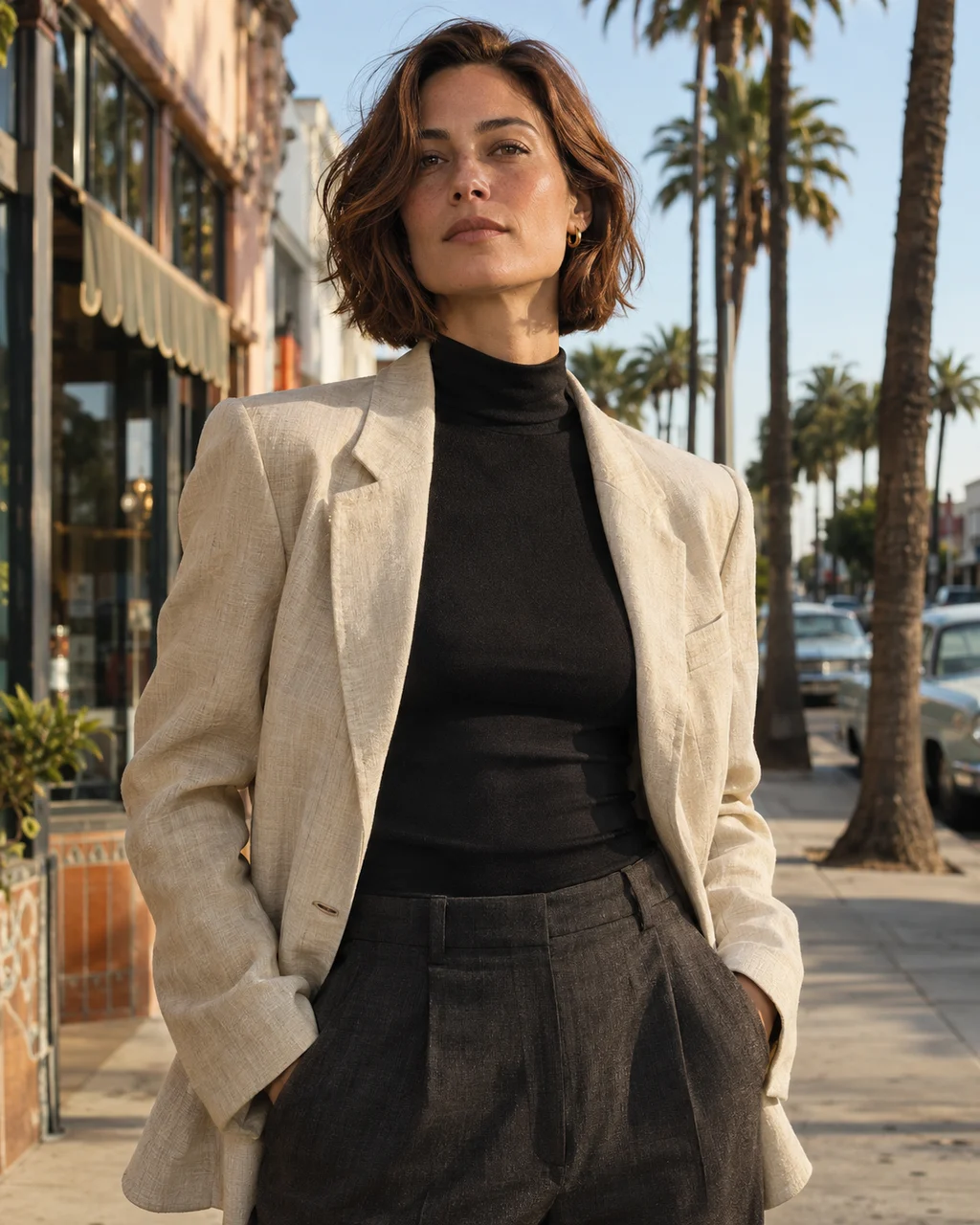
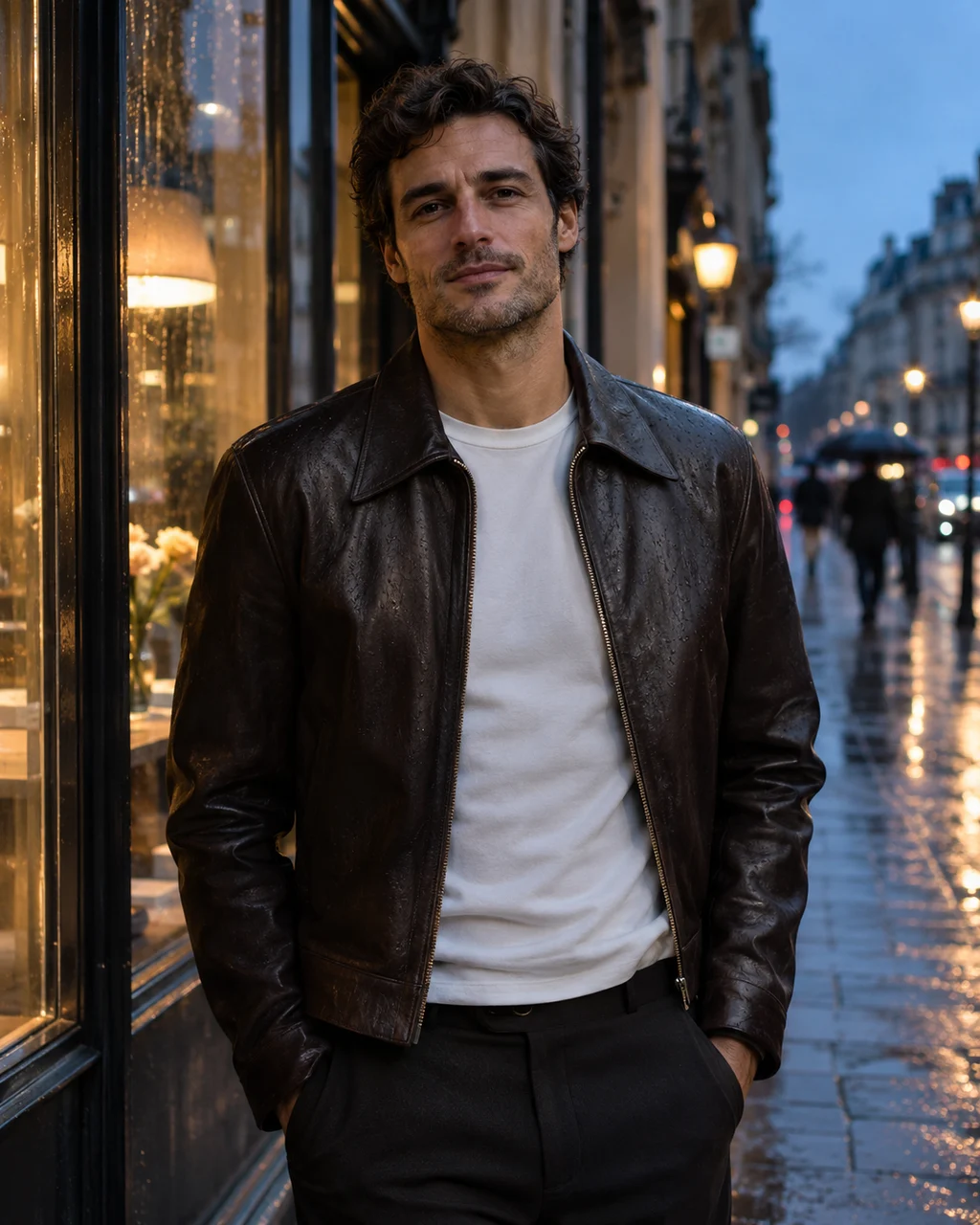
The game-style image is a supplied creative reference. The realistic portraits are AI-generated editorial concepts. They show styles to explore and are not presented as a measured editing test or a guarantee of output.

Can I ask for ordinary character art?

Yes. Ordinary character illustrations are welcome, within our Terms of Service.

Can I edit through an API?

The supported /v1/images/edit operation accepts an editing prompt and a publicly readable HTTPS sourceImage URL. Keep your API key private and check current parameters, credit costs and error handling.

Are editing and generation credits separate?

No. Both use the same image-credit balance. Video credits are separate. Review your available allowance in Image Studio before submitting.

Which anime, cartoon and manga styles can I use?

Name the style in your prompt: shōnen action, shōjo romance, chibi, full-colour webtoon or manhwa, 90s cel anime, western cartoon or comic book. Agencies use them for storyboards, webtoon and manga panels, character sheets and game art. Create original characters, and give every character a clear grown-up age wherever a scene is violent or dramatic.

Can I make horror images with blood for a film poster?

Yes, as movie-style special effects for fiction: theatrical blood, prosthetic wounds, creatures and practical-effects lighting for posters, concept art and SFX makeup references. Keep the prompt cinematic rather than graphic. Content that glorifies real-world violence, terrorism, self-harm or animal cruelty is never allowed.