Uncensored Image to Image: Unfiltered & Limitless AI
Uncensored image to image means an edit to a picture you upload is not refused just because the result is dark, dramatic or stylized. In Brainbaby Image Studio you upload an image you own or may edit, describe the change, and get creative edits with fewer needless refusals. Edits still have to be legal and follow our Terms of Service. Your first image is free once your email is confirmed.
Instructions for dark, stylized edits
The recorded edit above shows how an instruction is followed. These starting images are Brainbaby’s own, with instructions that change the mood or the medium while the subject stays recognizable.
No results are shown for these: they are starting images with instructions to try on images you own, not before-and-after claims. Examples on this page show how dark, dramatic and stylized prompts are structured. They are starting points, not the limits of what you can ask for within the rules.
Darker, grittier character
Keep his face, hat, beard and gaze. Turn the scene into a stormy night battle: rain on his skin, a fresh cut on his cheekbone, smoke and lantern light behind him. Graphic-novel realism, high contrast. No text.
Noir restyle
Keep the man’s pose, face and jacket. Restyle the image as a 1940s black-and-white film noir still with hard side light, deep shadows, wet pavement and venetian-blind light across the wall. No text.
Grim future version
Keep the city layout and the flying cars. Make it a decaying, war-damaged version of the same skyline with broken neon, ash in the air and a red emergency glow. Cinematic wide shot, no text.
What changes with “uncensored”, and what does not
In scope
Darker or more violent versions of fictional scenes, horror makeovers, dramatic restyles of artwork you own, fashion edits of fictional characters and images you have the rights and consent to change.
Always blocked
Deceptive deepfakes, illegal content and anything else against our Terms of Service. These limits apply automatically.
Your upload, your responsibility
Upload only images you own or have permission to edit. An edit inherits the rights and consent questions of its source; the result does not clear them.
Write the edit like a brief
Template to copy
Purpose: [cover / panel / poster].
Change: [mood, setting, intensity or medium].
Keep: [face / pose / outfit / layout].
Avoid: [text, logos, extra people].
One change per round
Mood first, then details. Separate edits make it obvious which instruction the model ignored and keep credit use predictable.
Compare at full size
Faces, hands and edges can drift in a stylized edit. Keep the original and compare the two before you share anything.
What uncensored image to image allows
Dark restyles allowed
Horror makeovers, noir grades, battle damage and other dark creative edits of images you may change.
Keep the subject
Say what must stay, such as the face, pose or layout; the upload is the reference, and the result still needs checking.
Real people protected
Edits that break the law or our Terms of Service are blocked.
One image up to 10 MB
Upload one source image per edit and describe the change in plain language.
Shared credit balance
Edits and generations use the same image credits; the cost of each edit is shown before you run it.
Animate the result
Take a finished edit into Video Studio to add motion; video uses a separate credit balance.
What creators rework
Horror makeovers of your art
Push a character or a scene you drew into a darker, scarier version for a cover or a poster.
Gritty comic panels
Add battle damage, weather and grit to panels while the characters stay recognizable.
Noir and cinematic grades
Restyle a photo you own as a film still with hard light and a heavy mood.
Fashion edits
Change the styling and mood of generated fashion images while keeping the pose and frame.
How to run an uncensored image-to-image edit
Upload an image you may edit
Open Image Studio in editing mode and choose one image you own or have permission to change.
Describe the change and what stays
State the new mood or style, the intensity, and the details that must be kept.
Check the cost and run it
Review the image-credit cost and your balance, then submit the edit.
Compare and refine
Check the result against the original at full size and adjust one detail per round.
Responsible use
We follow the law and the rules of the app stores and services we run on. Automated checks stop image and video requests that break these rules. We act on reports of harmful output and suspend accounts that break our Terms.
Only upload images and clips that are yours or that you have permission to use.
See a real background edit
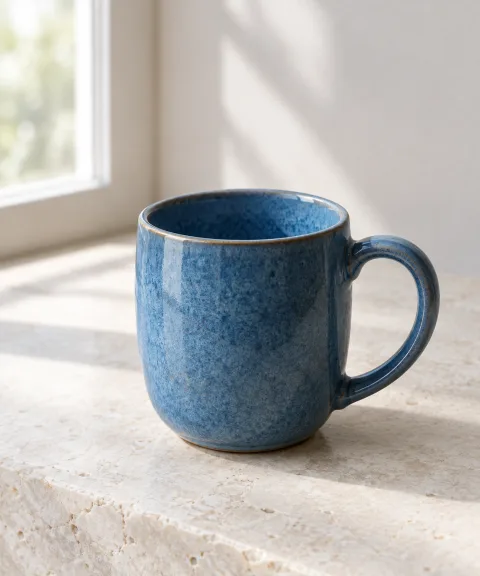
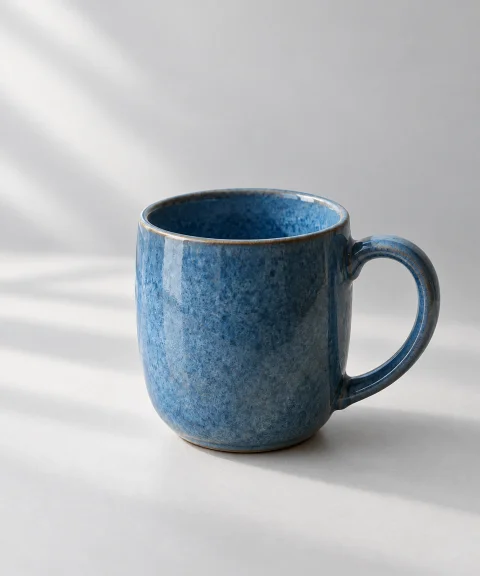
One internal Image Studio test using our own AI-generated cup. Compare the source with the downloaded result before deciding whether this workflow fits your task.
Source image
Edited result
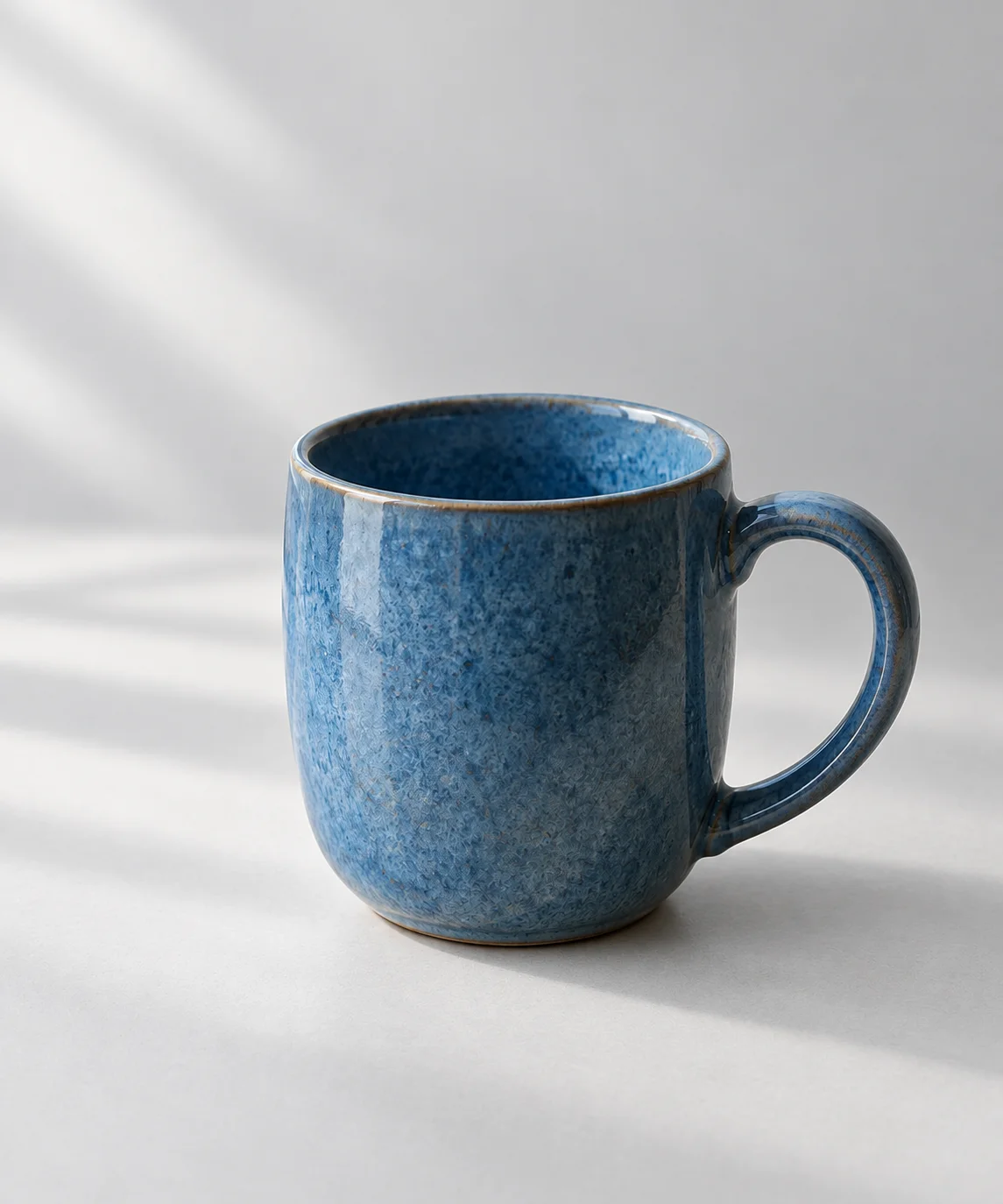
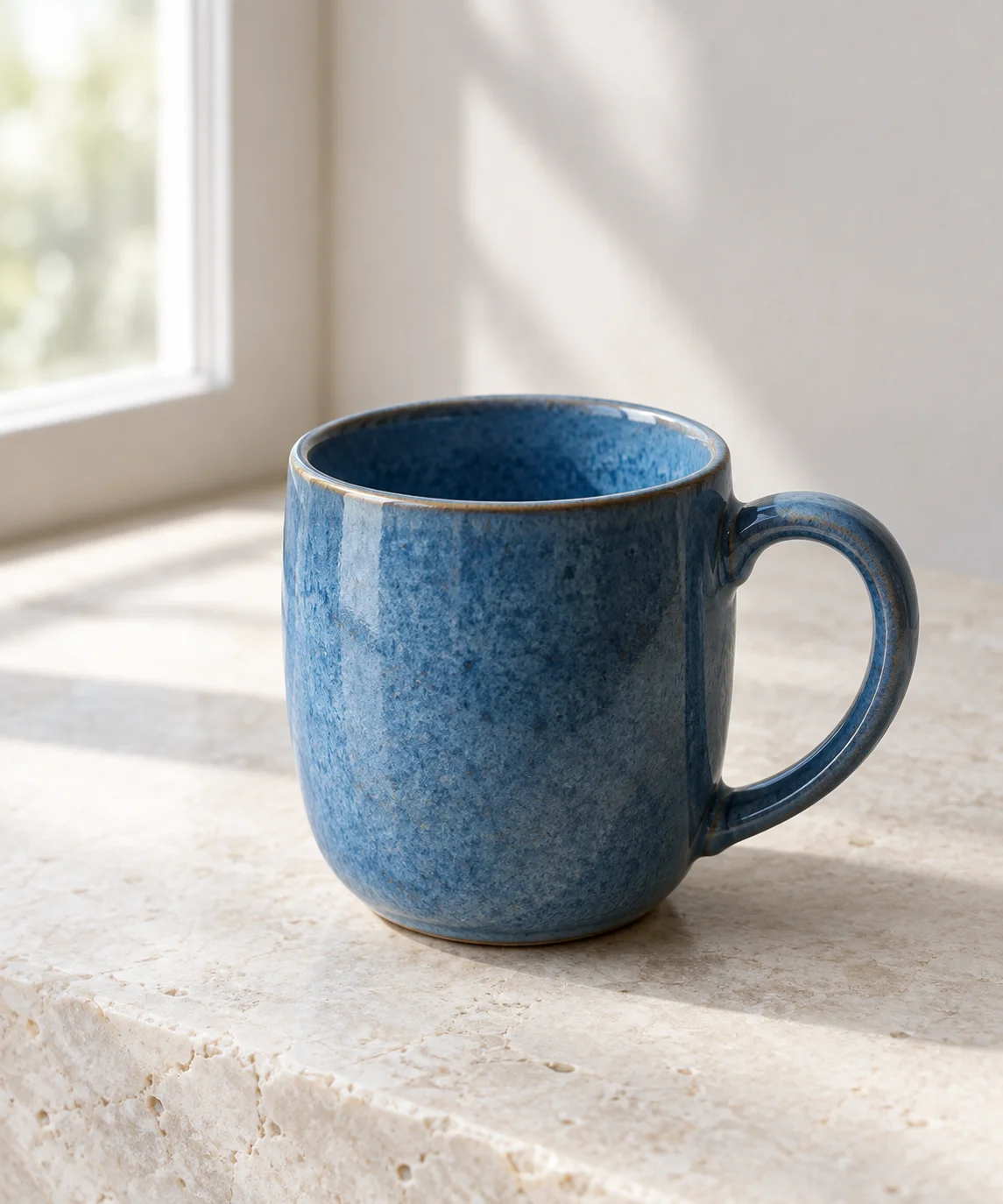
Inspect the edit at a larger size
Move the divider to compare the original file with the actual edited result. Check the background, handle and surface. Full-size downloads remain available above.
Exact editing instruction
Replace only the background with a pale gray studio backdrop. Preserve the blue ceramic cup, its handle, glaze, shape, position and framing. Keep natural light and a realistic contact shadow. Do not add text, logos or extra objects.What changed, and what still needs review
- The background changed as requested, and the cup remained blue with a comparable composition and handle shape.
- The glaze texture, lighting and highlights also changed. This was not pixel-exact preservation. Compare the full-size files before using an edit to represent a specific product.
Open Image Studio in editing mode
This is one observed result, not a quality benchmark or a guarantee of the same output. Downloading these files and copying the instruction are free. To try the example, upload the source in Image Studio and paste the instruction. Image edits require image credits; review the job cost before submitting. Opening the editor does not start a job.
Frequently Asked Questions
What is uncensored image to image?
It is an image-to-image edit that is not refused just because the result is dark, dramatic or stylized. You upload an image you may edit and describe the change; lawful creative edits are in scope.
Can I edit a photo of a real person?
Only with the rights and consent you need. Edits that misrepresent a real person or are made without their consent are blocked.
What is always blocked?
Deceptive deepfakes, illegal content and anything else against our Terms of Service.
Is uncensored image to image free?
Sign up and your first image is free: once your email is confirmed, edit one of your own photos or generate one image. After that, edits use image credits from a one-time pack or a monthly plan, and the cost is shown before each edit.
Will the edit keep the face and pose?
It aims to when you say so, but stylized edits can drift. Name what must stay and compare the result with the original before using it.